Computer vision for real-time visual detection
RZ AIM analyzes screen content and can send configured actions through compatible external input hardware. Features and compatibility vary by game and device; check applicable rules before use.
Windows 10 / Windows 11 · configurable vision profiles

300+ Products Sold
Trusted by 200+ active users, RZ AIM has sold more than 300 products with proven results.
Multiple Profiles
Use configurable computer-vision profiles for supported applications and screen layouts.
Configurable Detection
Configure screen-based object detection, activation hotkeys and compatible device integration in one interface.
Easy To Use
User friendly UI, simple installation, and 24/7 customer support for the best experience.
Your setup. Your control.
Explore the software, configure your controls and choose your access plan.
RZ AIM
Screen capture and computer-vision processing for Windows, with configurable actions through compatible external input hardware.
Unique Features
Explore the interface before you buy. Detection, controls and device settings are organised in one workspace.
- Set up in minutesStep-by-step guide and prebuilt configs
- Everything is adjustableDetection area, speed, strength, confidence and hotkeys
- Regular updatesNew features from customer suggestions
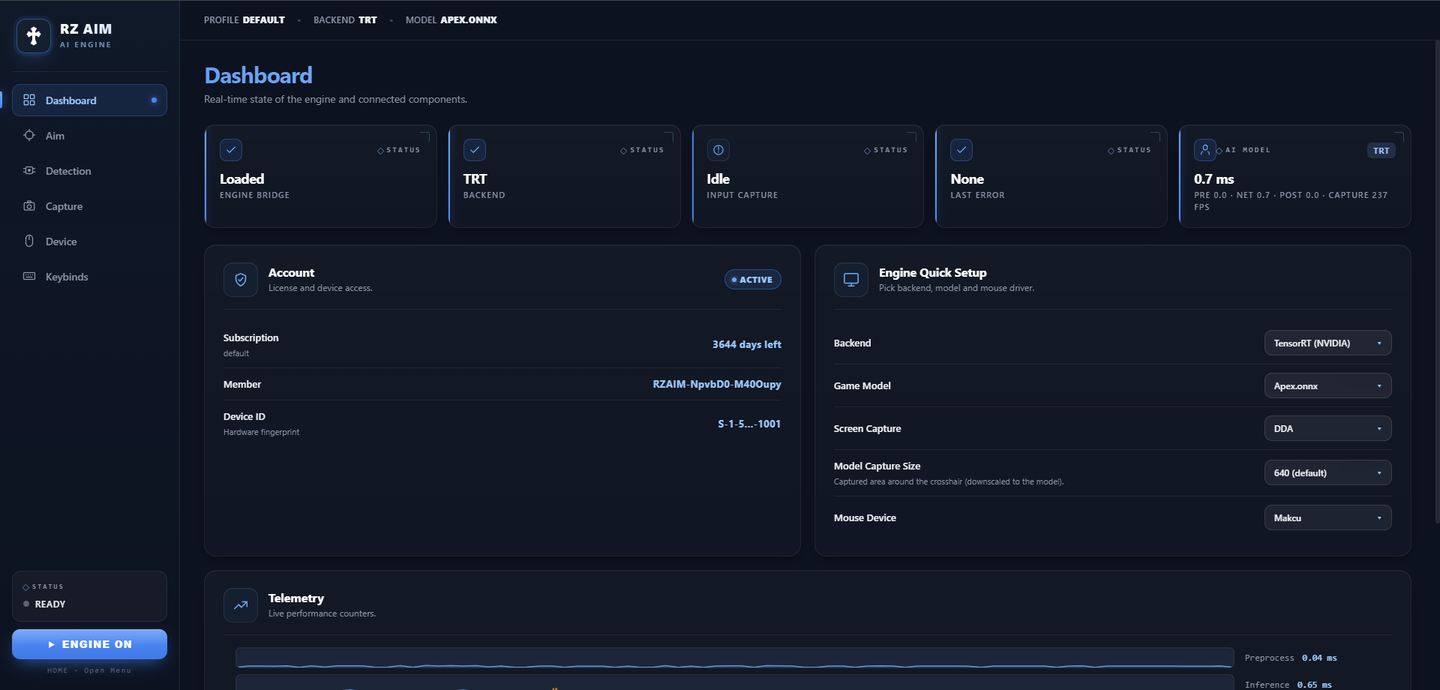
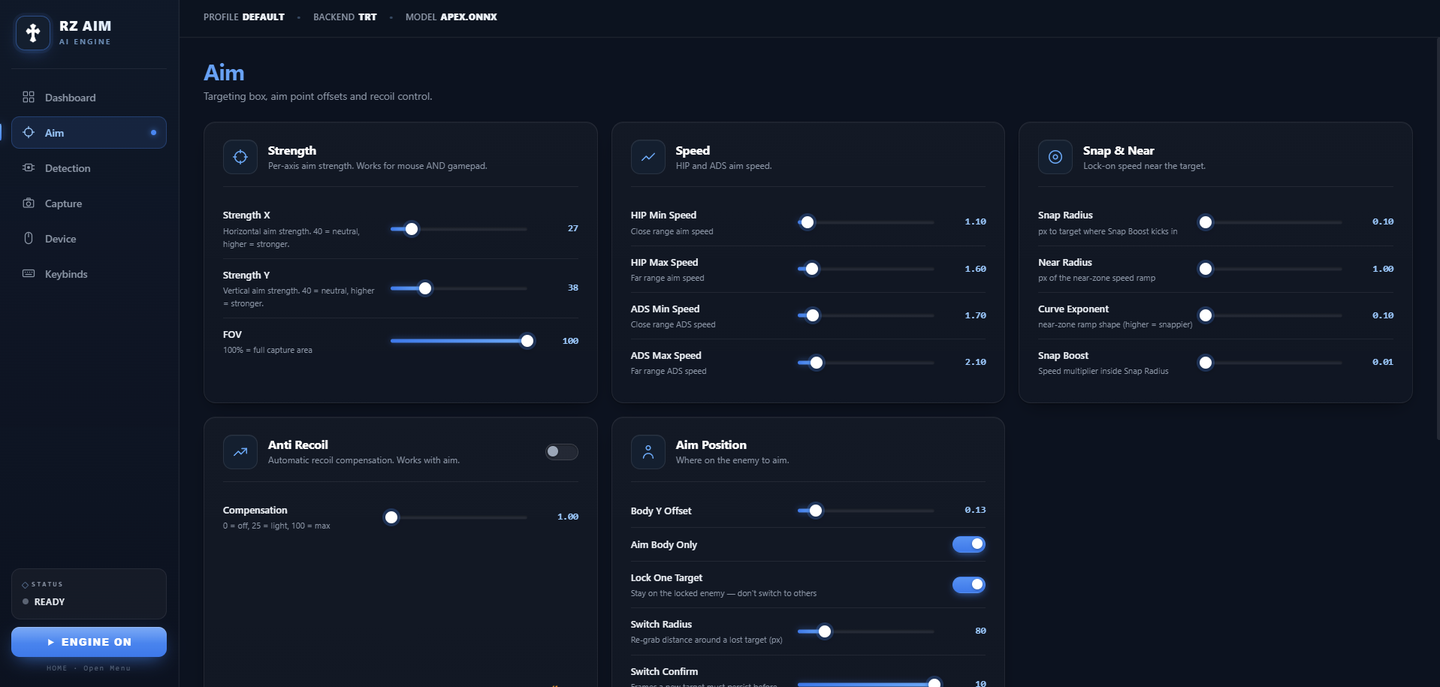
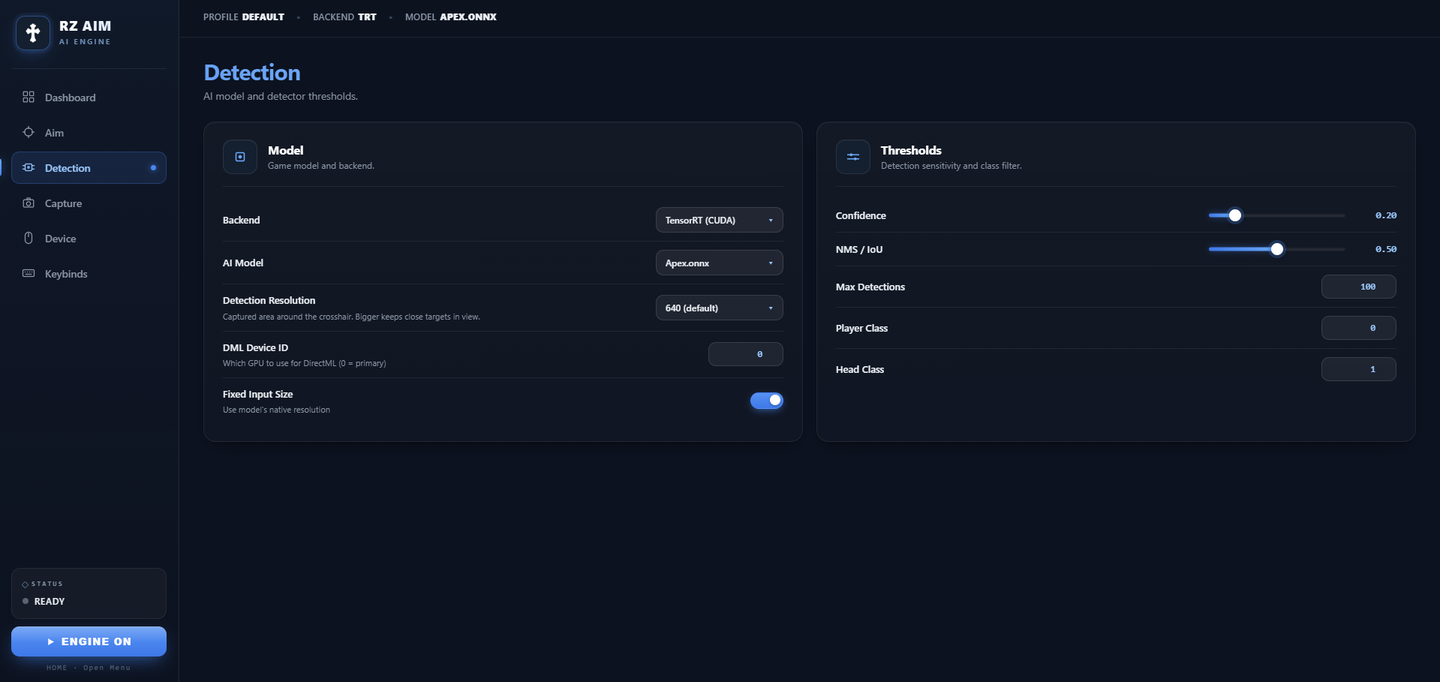
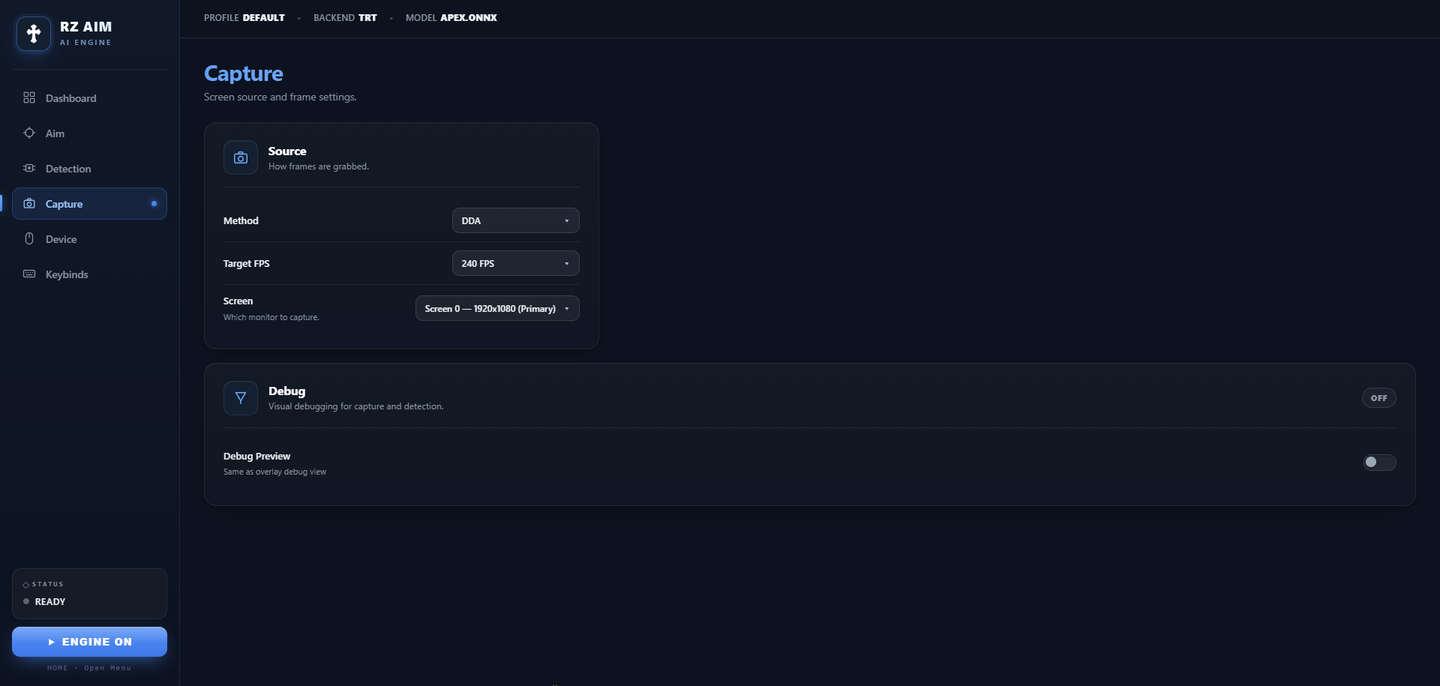
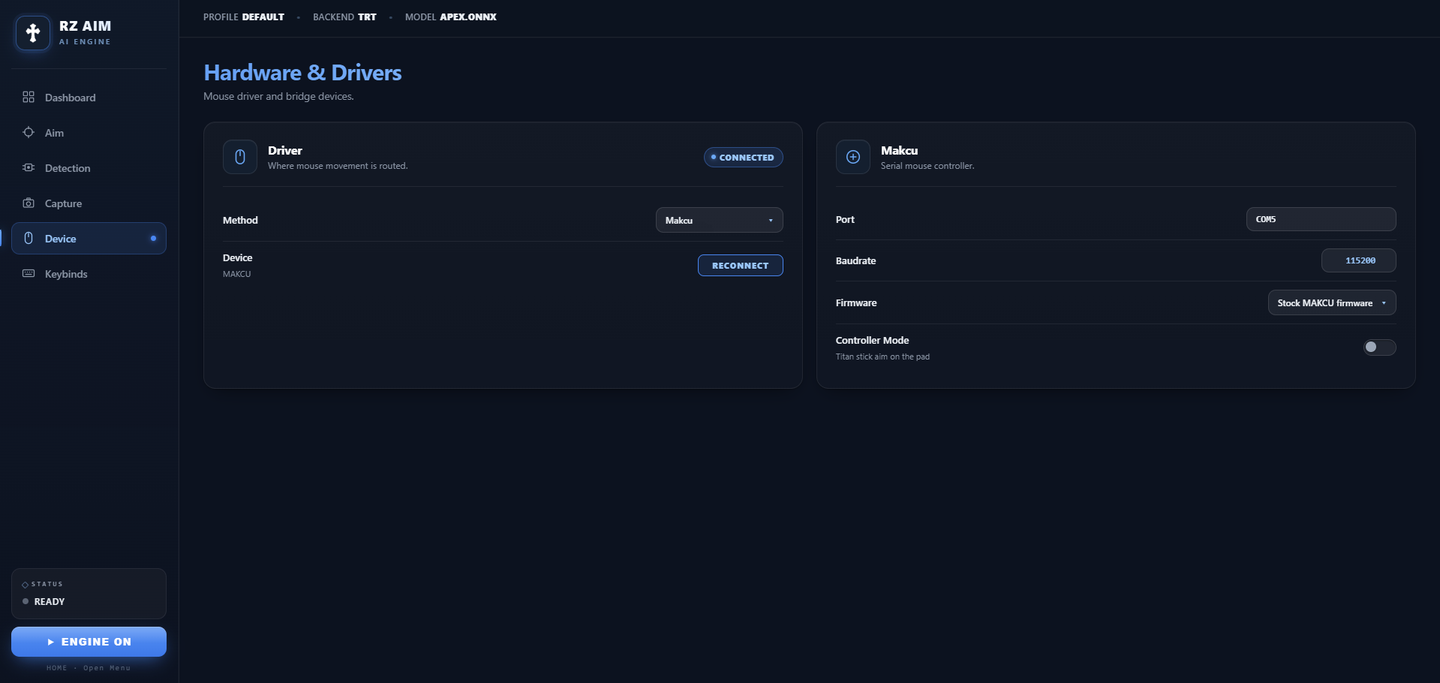
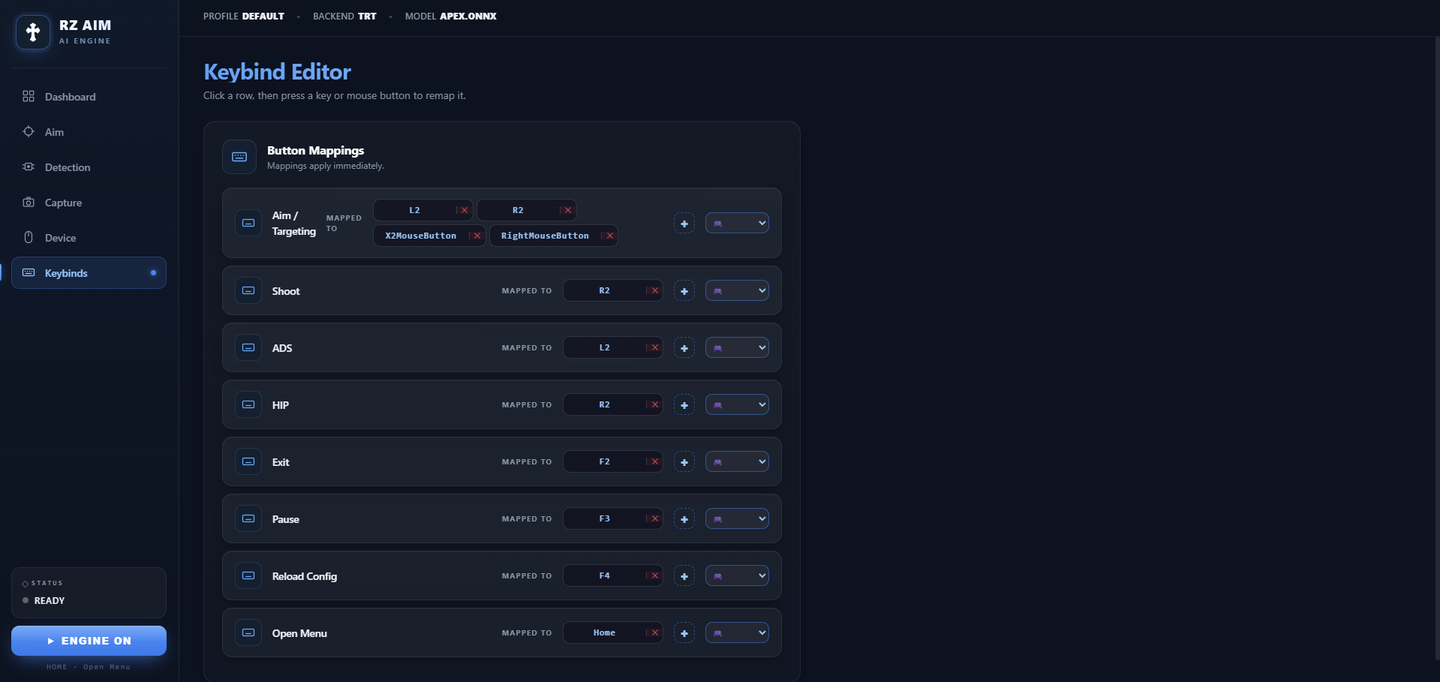
External device integration
RZ AIM supports compatible external input devices. See the compatibility list to choose a device for your setup.
Supported control boxes
Recommended capture cards
PCIe is recommended — lower latency and a dedicated busAt 120–240 fps pick a card that streams raw NV12 / YUY2 — MJPG is compressed, so it adds an encode + decode step and CPU load on the second PC. It is only needed for 1080p@360 and 1440p@240.
Actual latency varies by PC, port, and video format.
FAQ
Answers to common questions
Frequently Asked Questions
RZ AIM analyzes screen content and can send configured actions through compatible external input hardware. Features and compatibility vary by game and device; some games restrict automated input, so check the applicable rules before use.
Follow the setup instructions in our Discord server. If you need help configuring the software or compatible hardware, open a support ticket.
RZ AIM supports Windows 10 and Windows 11. Hardware requirements and compatibility depend on your setup; check the hardware section before purchasing.
Link your Discord account before checkout. After payment, check your account and Discord messages for your key. Setup and download instructions are available through Discord; open a ticket if you need help.
Keys are digital and delivered instantly, so a payment can't be refunded once the key has been issued. If the software doesn't run on your setup and our support can't fix it in a ticket, we will replace the key or refund you — open a ticket on Discord within 24 hours of purchase.
Compatibility and permitted use depend on the application. Check its rules before use. Protection from account restrictions is not guaranteed.